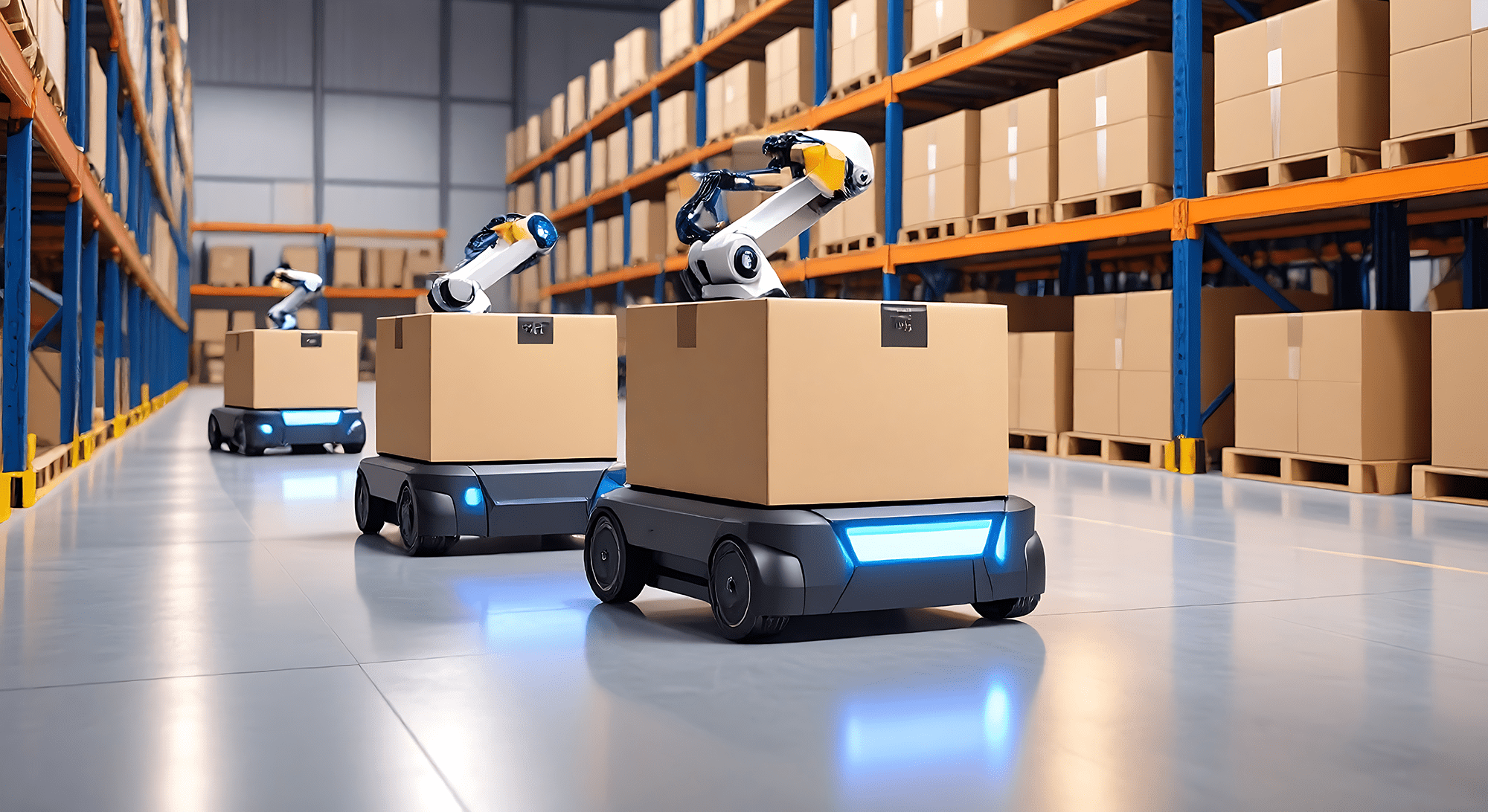
Discover how print-and-apply automation reduces labor, errors, and costs in high-volume distribution centers.
ProVision Labels by Ahearn & Soper Inc.
If you run a high-volume distribution center, you already know the real cost of manual labeling isn't the label itself, it's everything wrapped around it. The person walking a pallet stack with a handheld printer. The reprint when a label peels crooked. The chargeback three weeks later because a case label was applied slightly off-centre and a retailer's scanner couldn't read it at receiving.
None of that shows up as a line item called "labeling cost." It shows up as labor hours, error rework, and compliance penalties scattered across three different budgets, which is exactly why so many DCs underestimate what manual labeling is costing them, and overestimate how long it would take automation to pay for itself.
This post walks through how to run that comparison: what print-and-apply automation changes about cost-per-label, what the evidence says about error reduction, and what to do with the labor hours you free up. We'll also be straight about when manual labeling is still the right call, because it sometimes is.
Manual labeling looks cheap because the sticker itself costs a few cents. The costs that don't show up on that invoice:
None of this means manual labeling is always wrong. It means the comparison needs to include costs that don't live in the same spreadsheet as the label price.
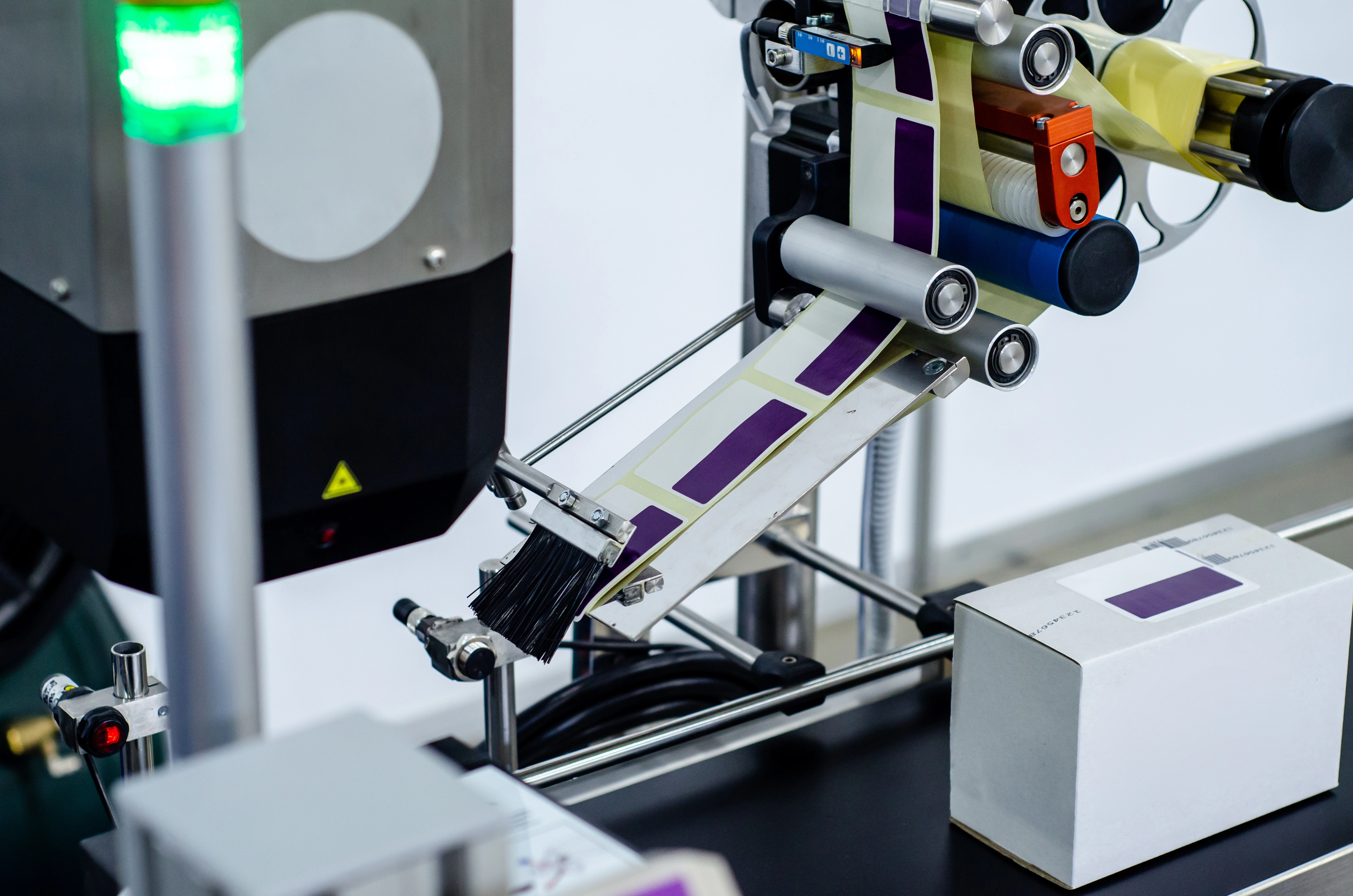
A print-and-apply (P&A) system pairs a thermal printer with an automated applicator, tamp, blow, or swing-arm, depending on the product and line speed and triggers directly off your WMS or ERP. The system prints the correct label for the item in front of it and applies it at a fixed position, at line speed, without a person in the loop for the routine case.
What that buys you, concretely:
A real example of that last point: when Ahearn & Soper Inc. outfitted candy manufacturer Joy Cone's warehouse with dual-tamp printer applicators, the company's director of logistics reported the accuracy and inventory-control improvement was noticeable almost immediately, the kind of result you'd expect once placement and print-data errors stop depending on an individual operator's consistency that day.
Be skeptical of any vendor (including us) who hands you a single number like "print-and-apply saves $X per label" without asking about your operation first. The honest answer is it depends on your volume, your current error rate, and your labor cost, so here's the framework to run it yourself.
Manual cost per label ≈ (seconds per label × loaded labor cost per second) + (reprint rate × cost per reprint) + (downstream error rate × average cost per error, e.g., chargeback or misroute)
Automated cost per label ≈ (label + ribbon cost) + (amortized equipment cost ÷ expected label volume over the equipment's life) + (maintenance cost per label) + (residual error rate × average cost per error)
The two numbers that usually swing the comparison the most are volume and your current downstream error cost, not the sticker price of the equipment. A DC applying a few hundred labels a day rarely justifies a P&A system on cost-per-label alone. A DC applying tens of thousands a day, or one facing regular retailer chargebacks for labeling non-compliance, usually finds the payback period is shorter than expected once chargeback avoidance is counted as a real dollar figure — not a soft benefit.
That's not a theoretical distinction. GEODIS documented a case where a golf equipment manufacturer’s retail compliance chargeback, driven partly by labeling requirements they were struggling to meet consistently dropped enough after process changes to save $149,000 in a single year. Chargeback avoidance is a real, countable line item, and it belongs in your cost-per-label math even though it never appears on the label supplier's invoice.
We won't hand you a made-up "automation cuts errors by X%" figure, that number depends entirely on how error-prone your current manual process is, and any blog that gives you a universal percentage is guessing. What the evidence does support:
The honest takeaway: automation removes a specific, well-understood category of error (operator-dependent placement and manual data entry). It doesn't make errors impossible; a poorly calibrated applicator or a bad print sensor will happily mislabel a hundred cases in a row unless the line has a verification scanner watching it. Any P&A implementation worth doing includes scan verification as a checkpoint, not just faith in the hardware.
The labor conversation around automation usually gets framed as headcount reduction. In a lot of DCs right now, that's not the real story, the real story is redeployment into roles you can't fill anyway.
Warehouse labor availability has been tight enough that operators are actively investing in technology specifically to make existing staff more effective rather than to cut headcount, wearables, mobile printers, and workflow automation are exactly the categories warehouse operators report investing in most, according to Zebra's research. Moving people off repetitive manual labeling and into picking, exception handling, or quality roles isn't just an efficiency story for a lot of DCs, it's the only realistic way to grow throughput without a hiring plan that assumes labor availability you don't currently have.
To be fair to the alternative: print-and-apply isn't the right call for every operation. It tends to make the least sense when:
Before you request a quote on hardware, get honest numbers on three things: your current label volume per day, your current reprint/error rate (even a rough estimate from a two-week manual count), and any chargebacks or routing errors you've been charged for in the last year that trace back to labeling. Those three numbers are what determine whether print-and-apply pays for itself in eight months or three years.
ProVision Labels works with Ahearn & Soper's applicator and hardware partners to spec label stock, adhesive, liner, and thermal transfer ribbon that's actually built for high-speed print-and-apply use, not just repurposed desktop-printer media. If you want a second set of eyes on whether your DC's volume and error profile justify the move, that's a conversation we're happy to have before you spend anything.
Browse more practical insights connected to warehouse management, automation, labelling, mobility, and support.