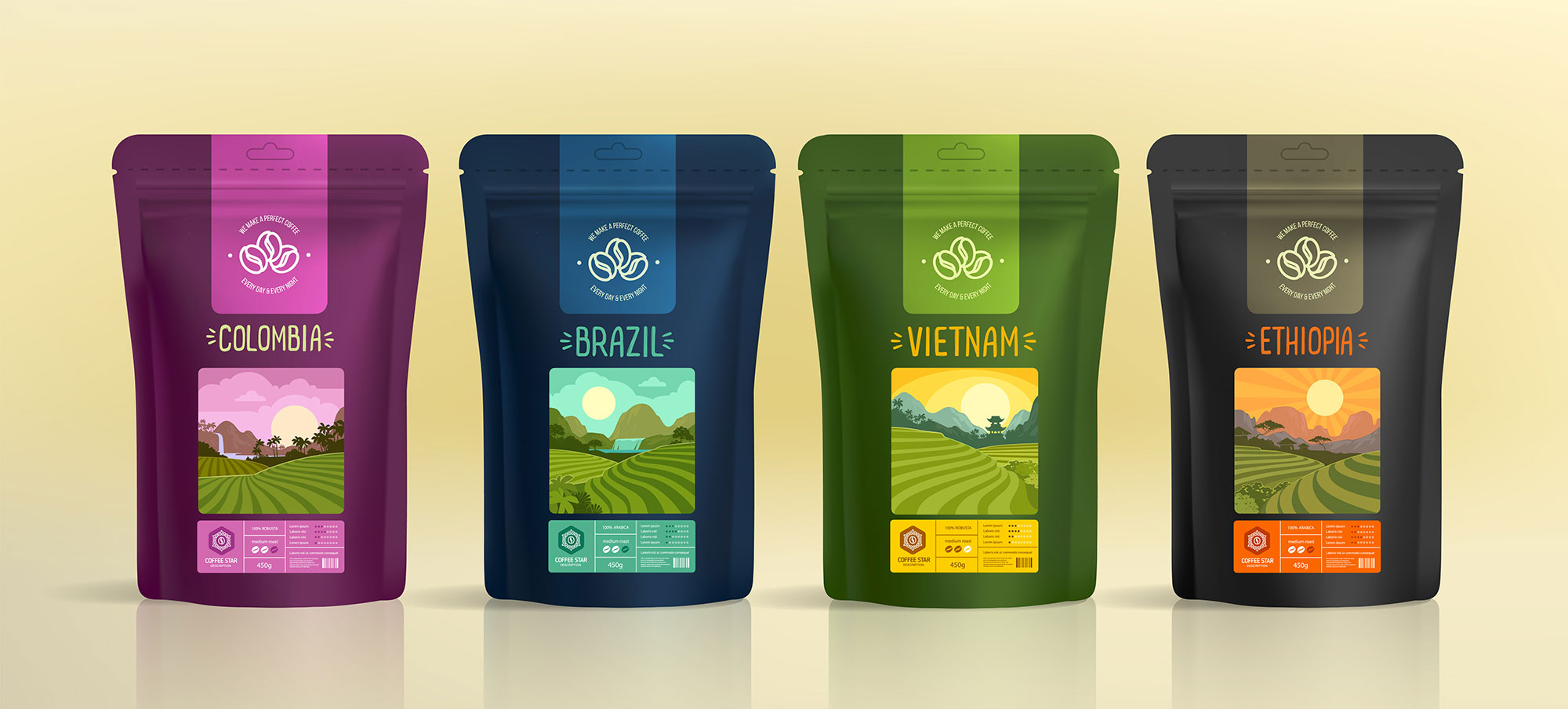
Six SKUs, one printer, zero pre-printed inventory. Here's how The Coffee Shop actually pulled it off.
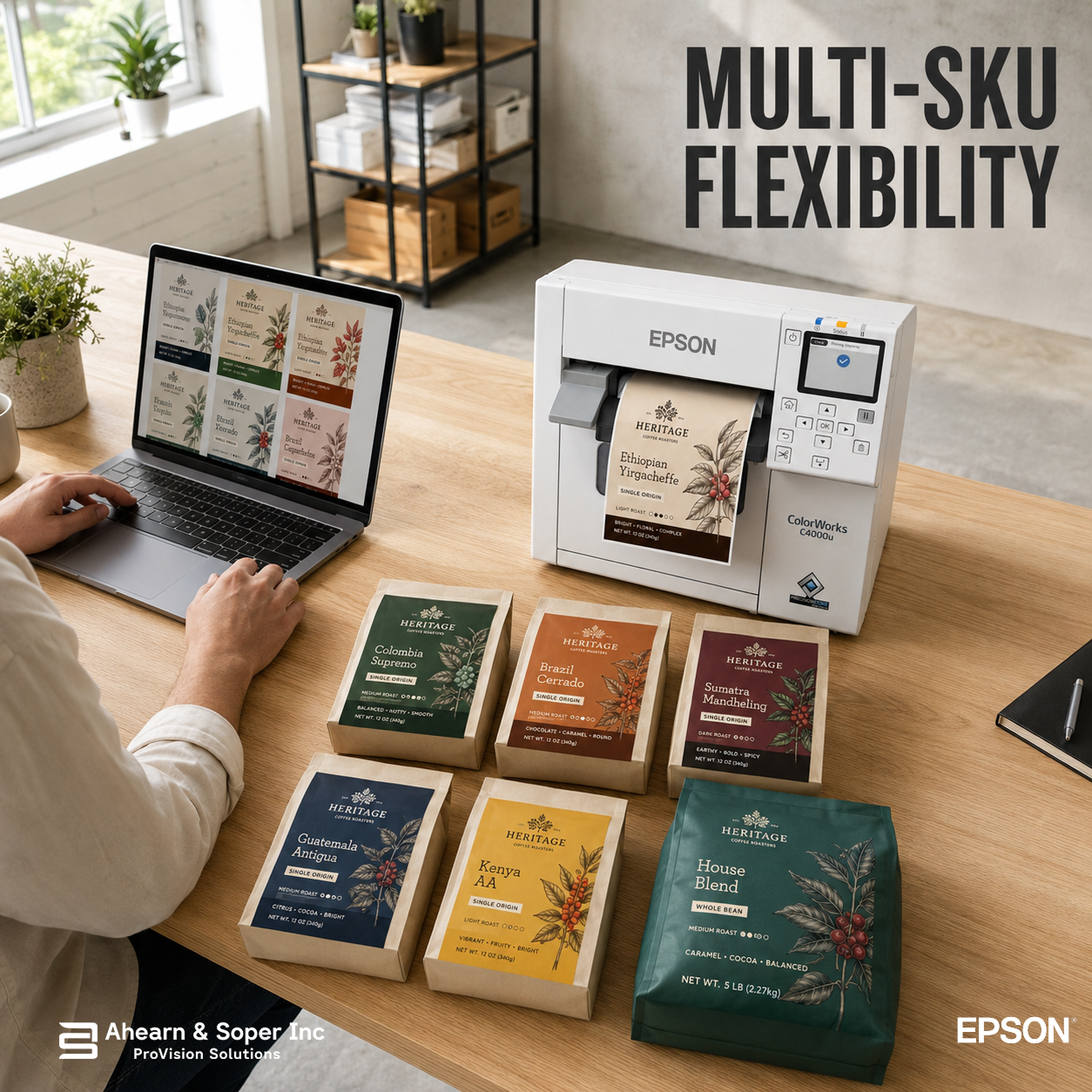
Ask a small roaster how many "products" they sell, and the honest answer is usually more complicated than the number of blends on their website. There's the flagship dark roast. The rotating single-origin. The decaf. The seasonal holiday blend. Two wholesale accounts with their own branding. A subscription box that ships a different bag every month.
That's six product lines, six sets of label art, six sets of compliance text, six things that can go wrong at the label stage. Most roasters assume that means six label files sitting in six separate folders, printed in six separate batches, ordered from six separate print runs if they're still using pre-printed stock.
It doesn't have to. The tool that collapses all of that into one printer and one workflow is variable data printing and it's arguably the most underused feature in on-demand labeling.
ColorWorks inkjet label printing is built around handling variable information, not just static designs, meaning the printer isn't limited to reproducing one fixed piece of art repeatedly. It can pull specific fields, a product name, a roast date, a lot number, an allergen statement, a retailer's logo from a file or database and drop them into a shared template on the fly, label by label.
Practically, that means one master template can produce an entire catalog of finished labels, each one different, without you touching a design program for every run. ColorWorks printers are built for efficient printing of variable data pulled directly from a database, with seamless integration into leading label design software, the same infrastructure whether you're printing 40 labels for a micro-lot or 4,000 for a flagship blend.
Here's what that looks like mapped onto an actual roastery:
1. The flagship blend. A stable template, run at volume, with only the roast date and lot number changing week to week.
2. The rotating single-origin. Same label footprint, different origin name, tasting notes, and altitude/process details swapped in from a spreadsheet or label database each time a new lot comes in, no new design file required.
3. The decaf line. A visually distinct template (different color accent, decaf callout) built once and reused indefinitely.
4. The seasonal or limited release. A one-off design that still pulls the same shared compliance fields, net weight, allergen statement, roast date, so nothing has to be re-typeset from scratch.
5 & 6. Two wholesale private-label accounts. Each retailer's logo, color scheme, and required disclosures live in their own template, drawing from the same underlying product data as your own bags. Regional variations and compliance requirements, like needing French-language labels for Quebec distribution alongside English versions for the rest of North America, are handled the same way, through template variation rather than a separate print job from scratch.
None of these require a different printer, a different supplier relationship, or a different label stock beyond what the design calls for. The same fast-drying, durable colour inks and qualified media apply across roll or fanfold formats, on matte, glossy, or synthetic label stock, the variation lives in the data, not the hardware.
Roast-to-roast variation isn't the only thing that shifts. Ingredient sourcing changes, and so do the disclosures that legally have to appear on your bag. Variable data printing capabilities allow for real-time customization of allergen information based on specific product formulations or seasonal ingredient variations, relevant the moment you introduce a flavored coffee, a co-packed blend with add-ins, or source a lot processed in a facility that also handles tree nuts.
Under a pre-printed model, a formulation change that affects a "Contains" statement means scrapping existing label stock and reordering. Under a variable-data model, it means updating one field in the template. The label file is the source of truth, not a warehouse shelf of printed paper.
Manually re-typing a roast date or a lot number onto six different label templates, six times a week, is exactly the kind of repetitive task where mistakes creep in, a transposed date, a copy-pasted allergen line that didn't get updated. Integrated database and verification systems reduce errors that come from manual, repetitive label entry, because the data is pulled once from a single source and applied consistently across every template that uses it.
That consistency compounds as your product line grows. The tenth SKU doesn't require the tenth manual process, it requires one more template pointed at the same data source as the other nine.
The Epson ColorWorks C4000 isn't a printer that happens to handle variable data, it's designed around it. Broad connectivity and photo-quality output on-demand come standard, and integration with ZPL II, ESC/Label, SAP, and major middleware means it plugs into whatever label design or inventory software already tracks your roast schedule, lot numbers, and SKUs, rather than asking you to manage that data separately from your printing.
For a roaster juggling a growing number of blends, private-label accounts, and seasonal releases, that's the real unlock not more printers, but more intelligence built into the one you already have.
If your roastery is maintaining separate label files, separate print runs, or separate vendor relationships for each product line, the fastest audit is simple, count how many of those "different" labels actually share the same net weight statement, the same barcode format, the same regulatory boilerplate. Most of the time, it's nearly all of them. What's different is a handful of fields that variable data printing was built to handle.
Ahearn & Soper Inc. delivers more than just the printer, expert consultation to identify the right solution for your specific needs, professional installation and integration with your existing systems, and training to help your team maximize the system's capabilities.
Curious how many of your product lines could run through one shared template? Talk to our team about mapping your current SKUs onto a variable data workflow with the ColorWorks C4000.
Browse more practical insights connected to warehouse management, automation, labelling, mobility, and support.